Form Properties – Web Resource
Properties
See also: Forms, Working with Web Resources
Web Resource Properties
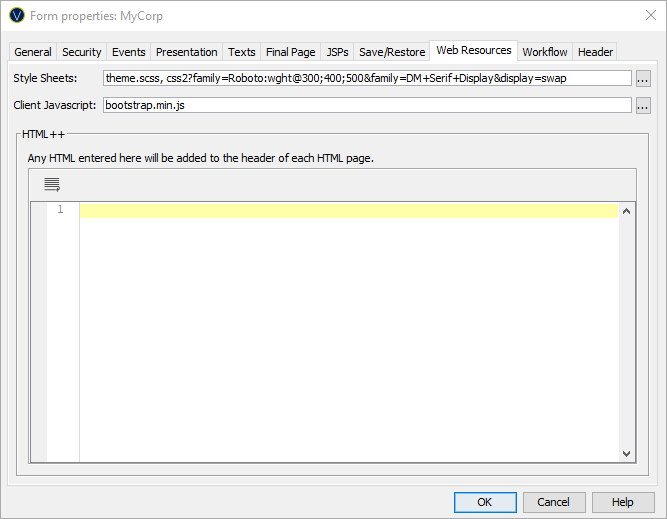
The following properties are available in the Web Resources tab of the Form Properties dialog.
|
Property |
Description |
|
Style Sheets |
Configure Style Sheets and SCSS files to be used with all pages of a form. Displays the Style Sheet Configuration Dialog. Style Sheets and SCSS files can be configured at three levels, where each level can inherit or disable any Style Sheets configured at higher levels:
|
|
Client Javascript |
Configure client browser Javascript files to be used with all pages of a form. Displays the Client Javascript Configuration Dialog. Client browser Javascript files can be configured at three levels, where each level can inherit or disable Javascript files configured at higher levels:
|
|
Html++ |
Additional HTML can be added to the HEAD section of the generated output for each page. This is in addition to any HTML configured in a linked Presentation Template. |